Introducing Pages

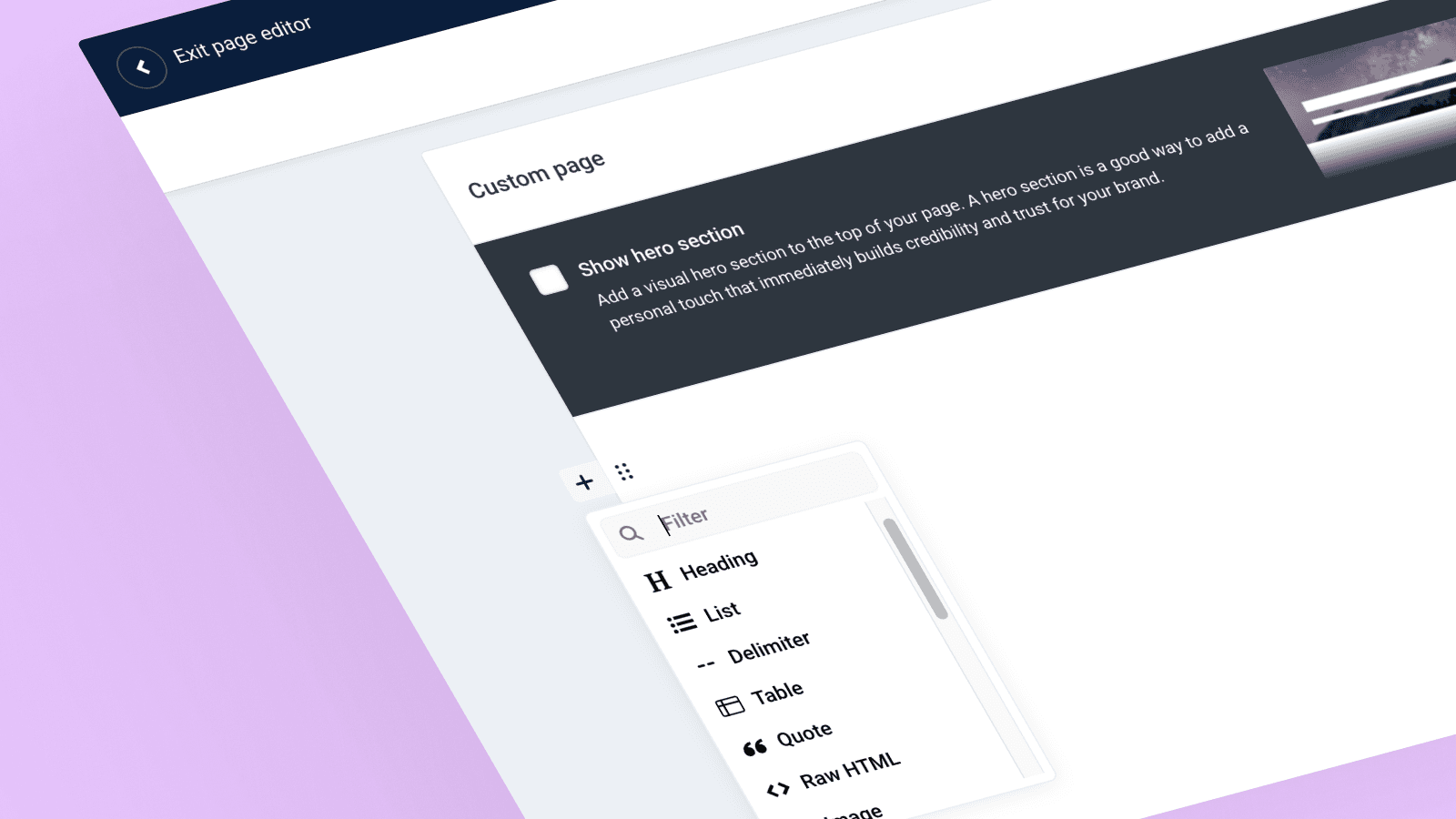
Today we’re announcing Pages, a comprehensive set of feature to help you publish stunning evergreen content to your newsroom with a familiar block-style editor.
PR teams know that modern communication goes way beyond press releases and media outreach. Your stakeholders — investors, customers, partners, employees, and prospects — need more than just news releases. They want to understand your company’s story, values, and vision.
Pages helps you tell that complete story. Now you can add pages to your newsroom for every part of your PR strategy:
Corporate social responsibility: Show your sustainability initiatives, community work, and social impact programs.
Investor relations: Share financial updates, quarterly reports, and announcements for your investor community.
Leadership profiles: Feature your executive team, board members, and key members with dedicated biography pages.
Awards & recognition: Display your industry awards, certifications, and achievements.
These are just examples — Pages lets you create any type of page that you can imagine.
Getting started with Pages
There are two ways to build your new pages:
1. Stack blocks in the Page Editor
Build your page using our Page Editor. Pick blocks from the menu on the left, click to add them to your page, and then add your content directly. Stack and arrange blocks however you want. We handle the styling and make sure everything looks good.
The first version includes these blocks:
Hero section: Add a visual header with background image, title, and subtitle to make a strong first impression
Heading: Structure your content with h1–h6 headings
Text: Write and format text with links and styling
List: Make numbered or bulleted lists
Table: Display data in tables
Quote: Add quotes and testimonials
Image: Insert and caption images
Video: Embed videos
Audio: Include audio files
Document: Share downloadable files and documents
Columns: Create 2 or 5 column layouts
Weblink: Show important links as cards
Button: Add call-to-action buttons
Callout box: Highlight important information with coloured boxes
Statistics block: Show key metrics and data points
FAQ block: Add an easy question-answer toggle section
Divider: Create visual breaks between sections
Raw HTML: Embed third-party content and custom code
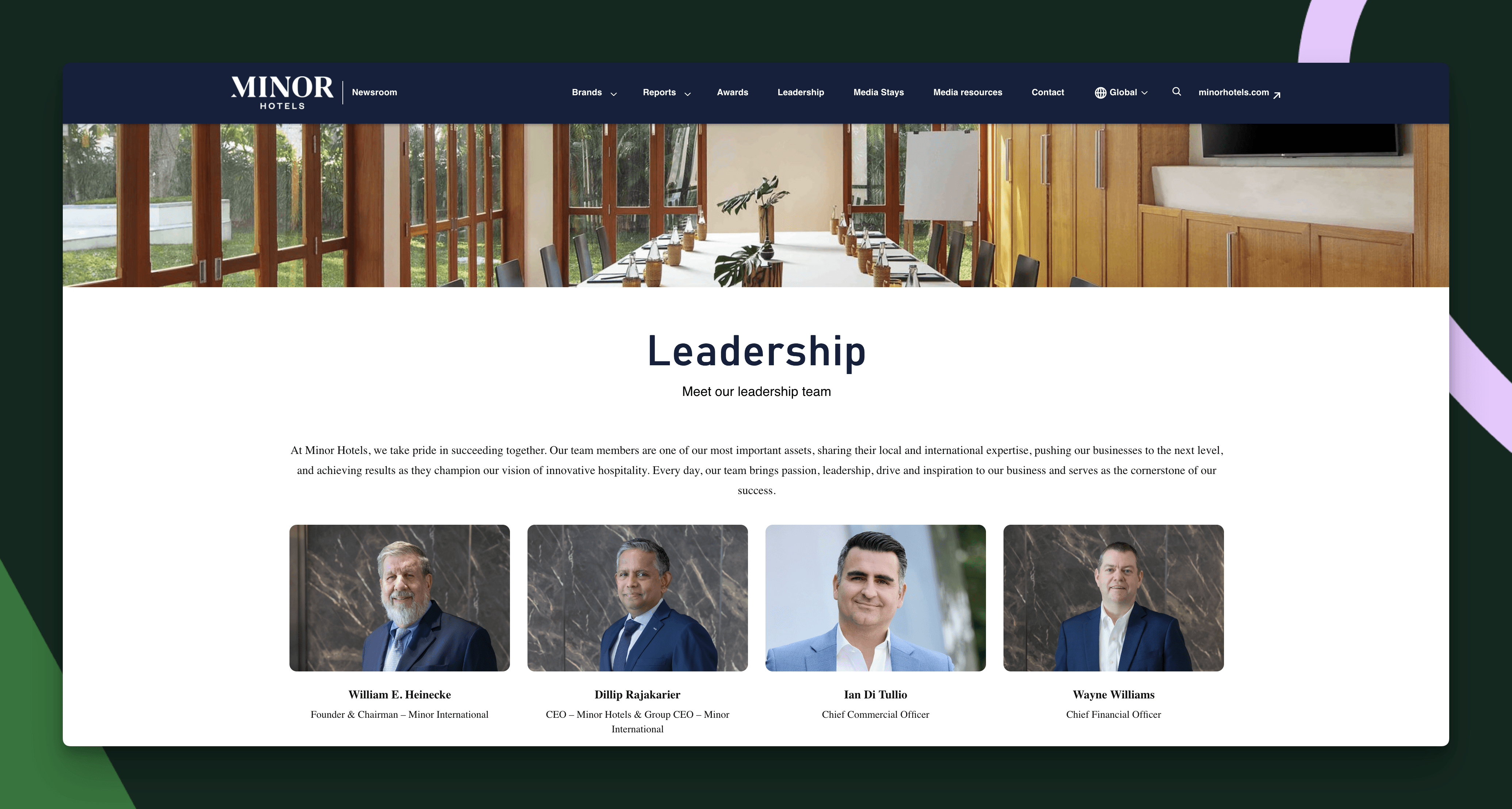
2. Code your own page
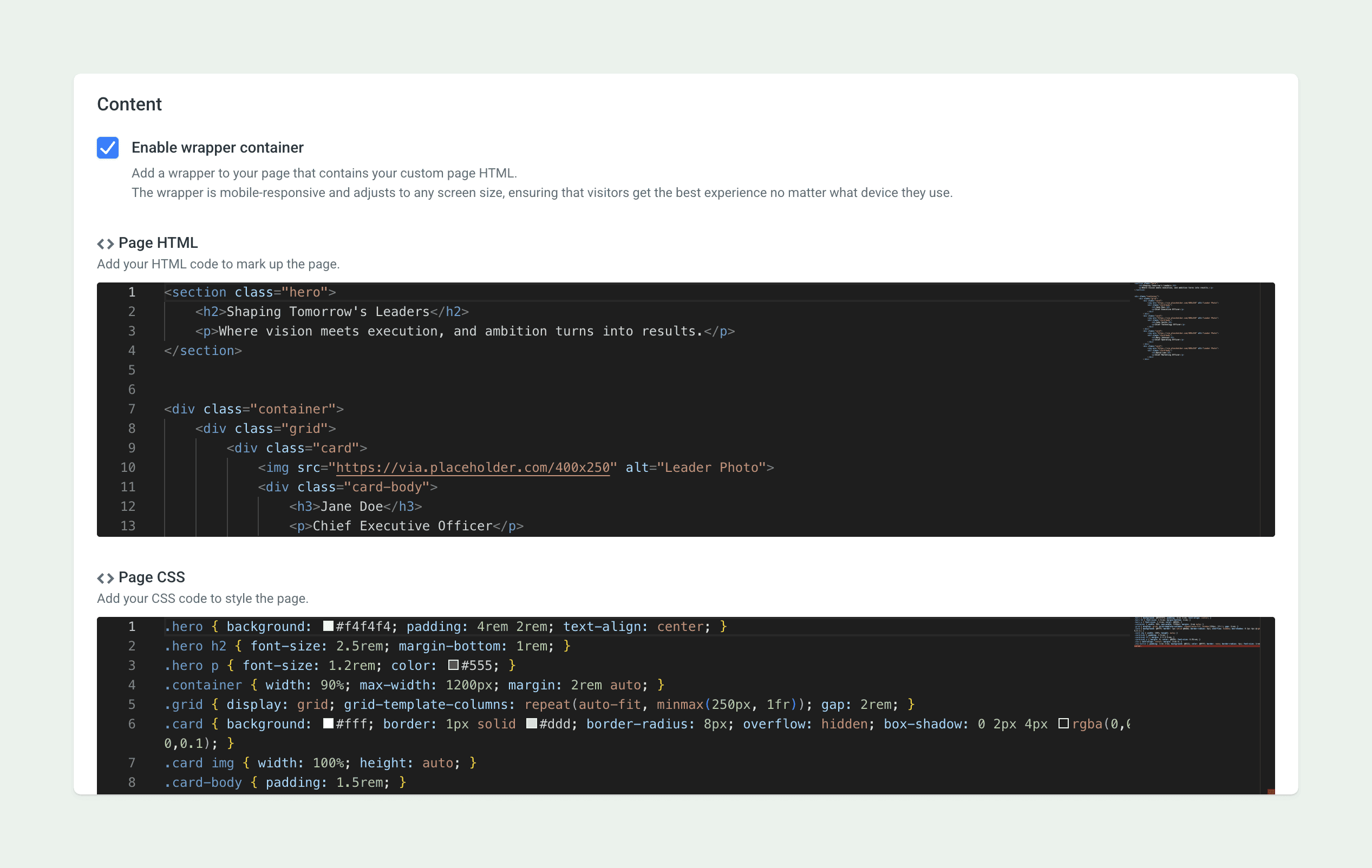
For teams with specific design needs or technical skills, use our custom page editor. Write HTML, CSS, and JavaScript to build exactly what you want. With this approach, the only limit is your imagination.
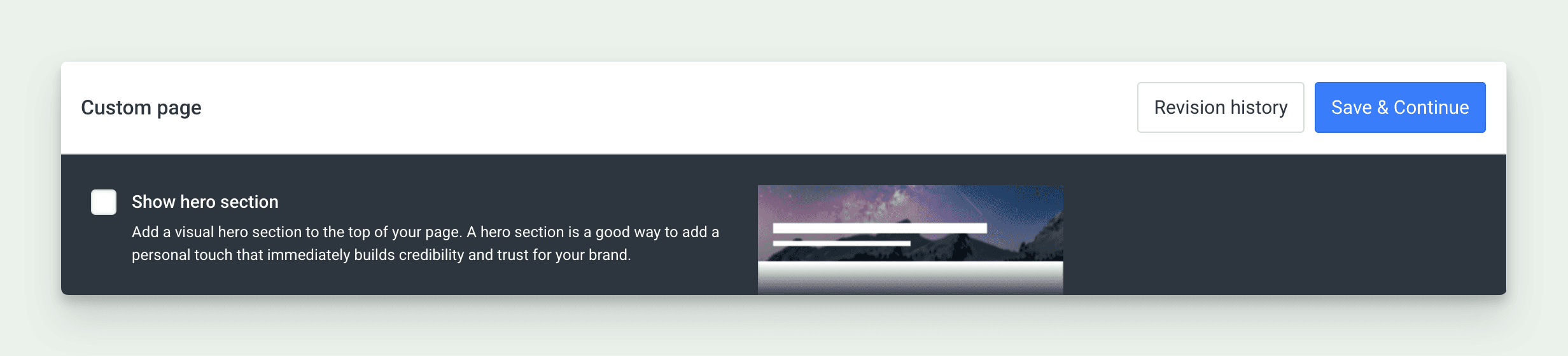
Hero section, revision history and preview
Every page can include a hero section — a visual header with background image, title, and subtitle that makes a strong first impression.
Metadata for SEO / GEO
Publishing content online is not only for humans, the robots also want a piece of it! You can easily set the correct metadata to have your content rank as good as possible on Google, ChatGPT, Perplexity and other search or LLM platforms. You can even let our AI Agent help you write a first draft for you to make it even more effortless.
Revision history
Yes, we have thought of everything with this feature. Any version you save will be stored so that you will never lose any progress and can always revert back to an earlier version with just the click of a button.
Publishing your pages
Once you’re done creating your page, publishing is simple. Choose your navigation link text and URL, set up your SEO and social sharing settings (AI Assist helps with that), and click “Publish”.
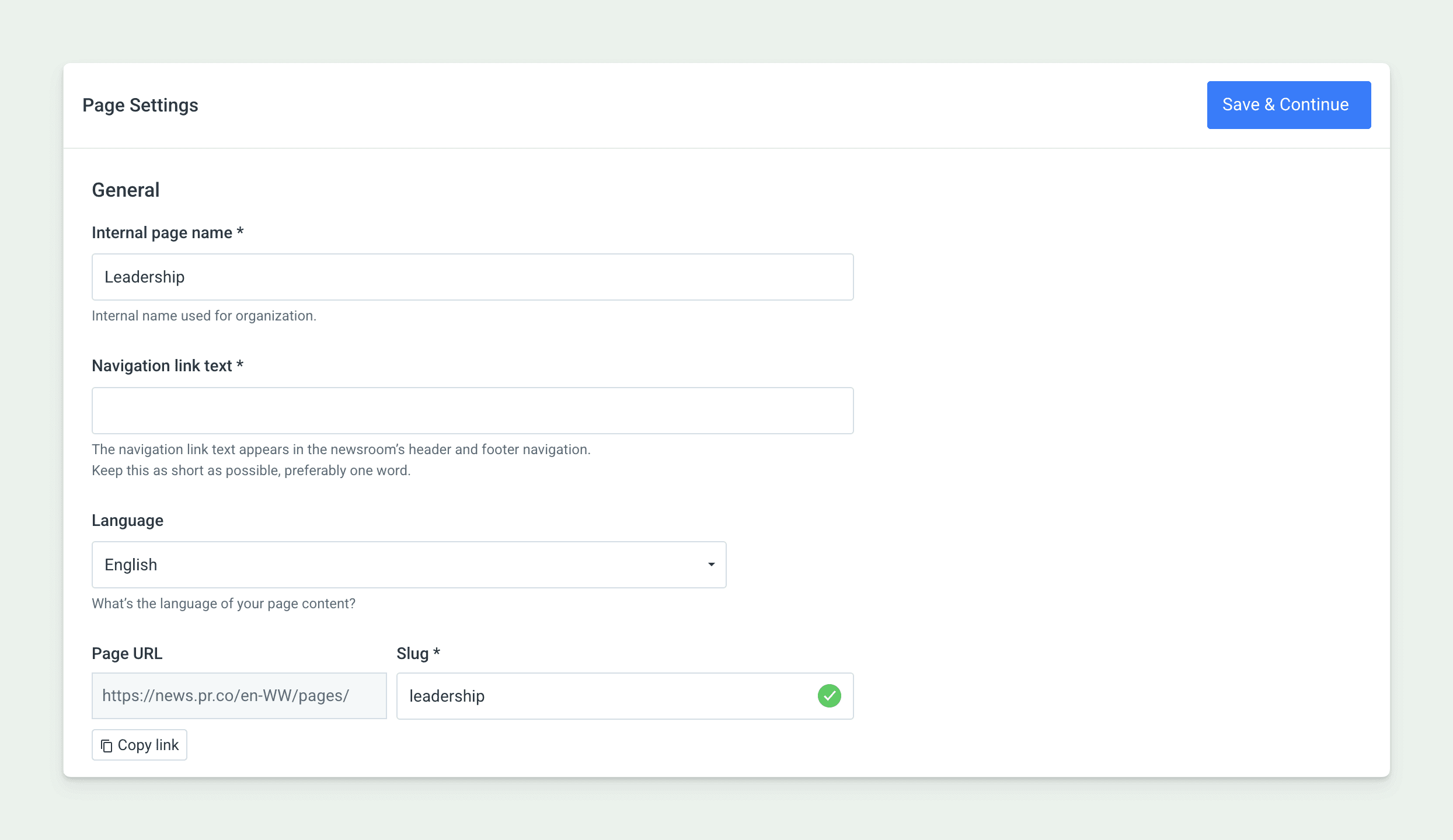
Your page goes live right away and gets added to your site navigation — it shows up in the “About” dropdown menu in your header and in your footer.
We can't wait to see all the various types of pages go public and what creative ways our customers will find to publish their company's story online.
Published
Written by